Call from anywhere
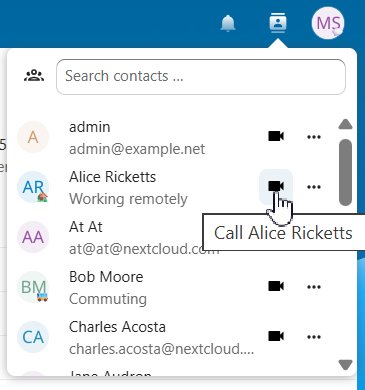
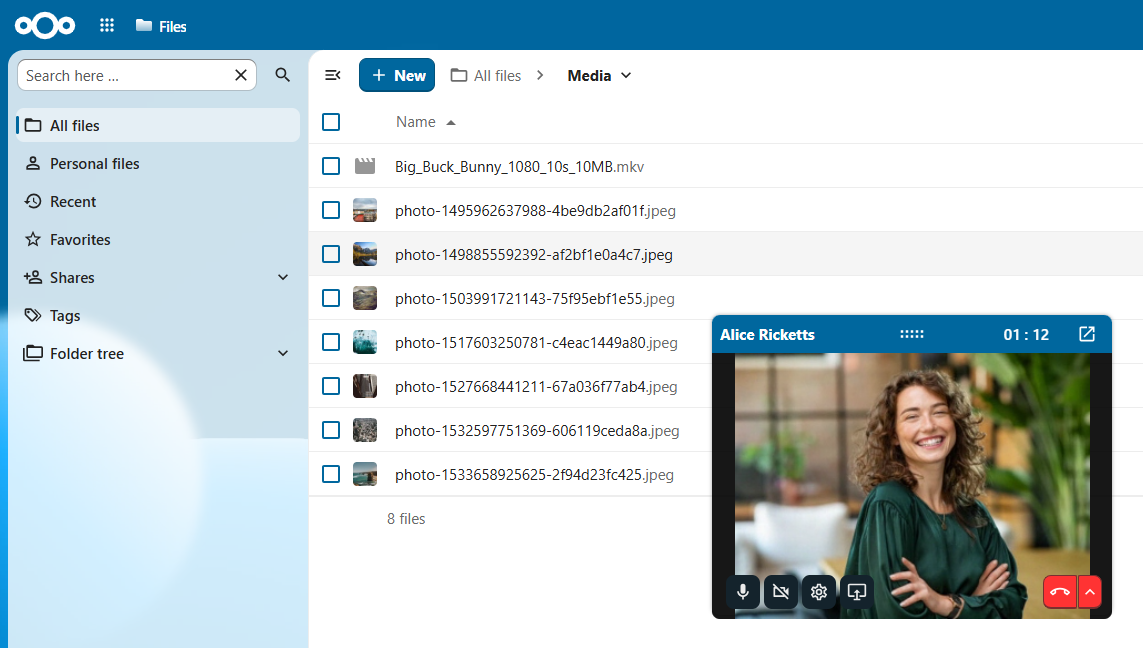
Start a call with any user directly from the avatar menu. No need to navigate to a conversation first; call while working on files, tasks, or other activities!
Accessing the call menu
Click on a user’s avatar from any app in your Nextcloud workspace to open a menu
Select
Call {user}A direct call is initiated immediately in a floating window
Best Practices
Check availability: Check user status to see whether people are available before calling
Respect preferences: Some may prefer messages over calls. Could this have been an e-mail?
Switch to groups: Create a dedicated conversation for multi-user discussions
See also: